← The galleryPawMotifPORTRAITS OF OUR COMPANIONSMy portraits ↗

A SMALL GIFT / A FAMILIAR FACE

Make it personal.
Plan the handover.

A digital pet portrait starts with a thoughtful photo. Work through the choices before you buy, then save a simple checklist for giving it.

Make my gift checklist ↓
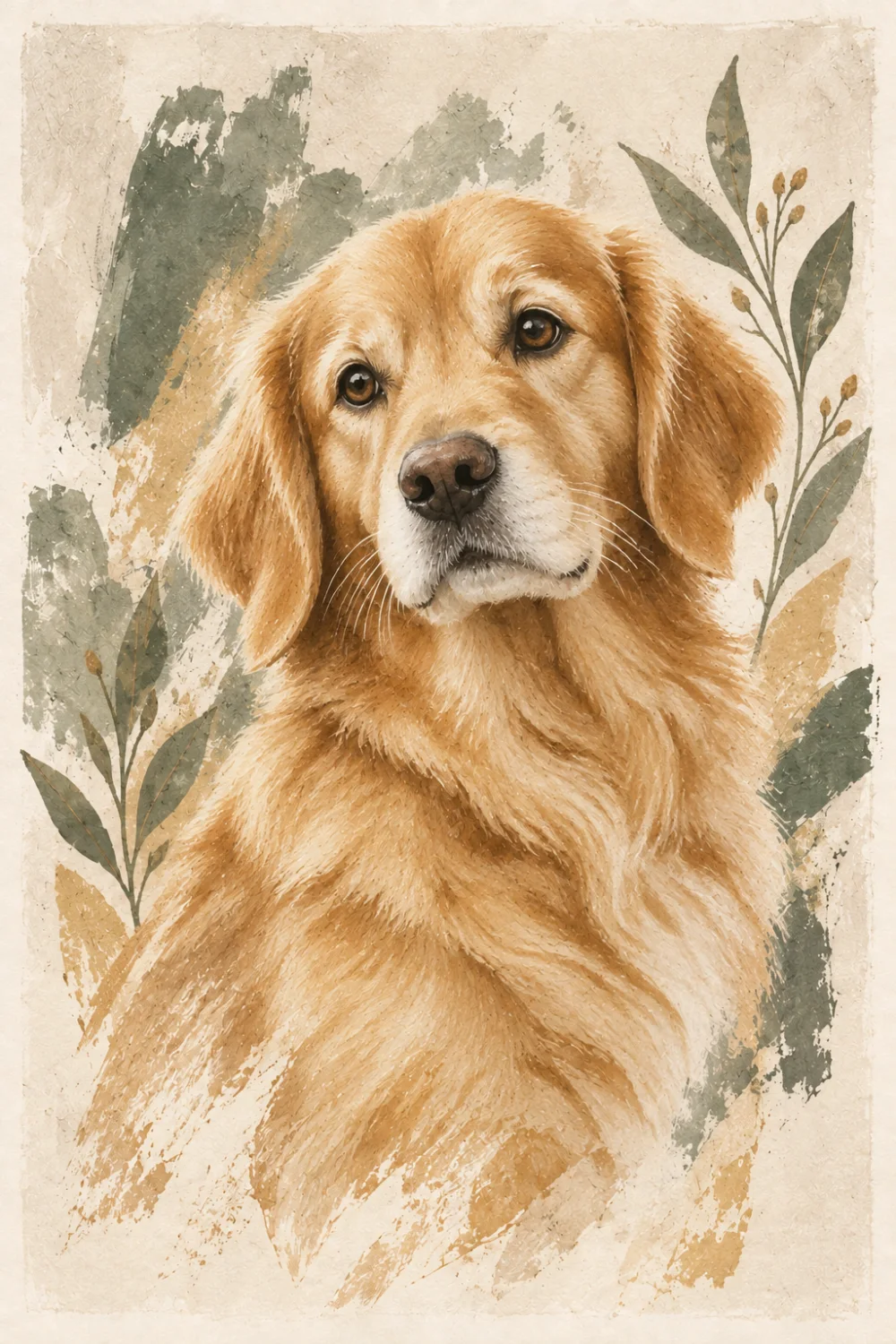
AI-created botanical style example of a golden retriever
AI-created style example, not a customer commission.
No physical print or frame is included.
Photo & permissionChoose the presentationReview, save & giveYour gift checklist

01 / BEFORE THE SURPRISE

Begin with a photo you can use.

Ask for a favorite

Make sure you have permission to upload and use the photo. A picture posted online is not automatically yours to use. If a surprise would make consent awkward, invite the recipient to choose the photo with you.

For a remembrance gift, let the person’s comfort guide the idea. A favorite portrait may mean more than an unexpected surprise.

Keep the recognizable details

Choose one pet, with visible eyes, coat markings and space around the face. Use the clearest original file you can. The photo preparation guide covers light, framing and supported files.

Your upload and commissioned portrait are private; they are not automatically added to the public gallery.

02 / THINK ABOUT WHERE IT WILL LIVE

Choose the presentation first.

ON SCREEN

A file with a personal note

Give the downloaded PNG through a private channel you both use. Add your own message and check that the recipient can open the original file. Messaging apps may compress image attachments.

No printer or frame is required. The digital file can be kept and enjoyed as it is.

ON PAPER, ARRANGED BY YOU

A print you prepare separately

Choose the size after checking the finished file’s pixels and proportions. Leave time for the print provider’s proof, production and delivery; PawMotif does not arrange these steps.

Check print size & crop →

Choose a style that suits the recipient’s taste. Warm colors, quiet monochrome or a playful composition are personal choices—not a guarantee of a particular result. Explore the current gallery, then judge the preview made from your own photo.

03 / PREVIEW → PURCHASE → YOUR COPY

Give the artwork you actually checked.

  1. Review before you approve

    Check the pet’s face, markings, crop and any important details. The preview is the artwork you are considering; the purchased PNG removes the watermark. If it does not feel right, do not approve it just to meet a date.

  2. Download and keep a backup

    After payment confirmation, open My portraits and download the PNG. Download access lasts 90 days after payment. Save it on your device and verify that the file opens before arranging your gift.

  3. Hand over your saved file

    Send the file yourself, or prepare your own print. Keep your account and recovery code private: a recovery code opens your portraits and purchased downloads. It is not a gift-sharing link.

What the purchase includes

The current offer is a $29 USD one-time digital artwork purchase after a free preview. There is no physical print, frame, gift box, shipping or scheduled gift email. See the purchase and delivery details before buying.

YOUR TAKEAWAY

Your digital portrait gift checklist

Tick what you have checked. Your choices stay in this page until you leave; download a copy to keep them.

0 of 7 checked

Plan: photo permission → choose a style → review the preview → save the purchased PNG → arrange your own handover.

No photo, name, or private message is needed to use this checklist.

PawMotif · Digital file only · pawmotif.com

READY TO CHOOSE?

Start with their kind of art.

Browse the style examples, pick a portrait, and make a private preview from an approved photo.

Choose a style & preview ↗Read the photo guide →
PawMotifPhoto guidePrint guideGift guidePrivacysupport@pawmotif.com